

Description
Download Digital Clock Widget Xperia APK – Digital Clock & Weather, Personalization, Free Android App
Overview
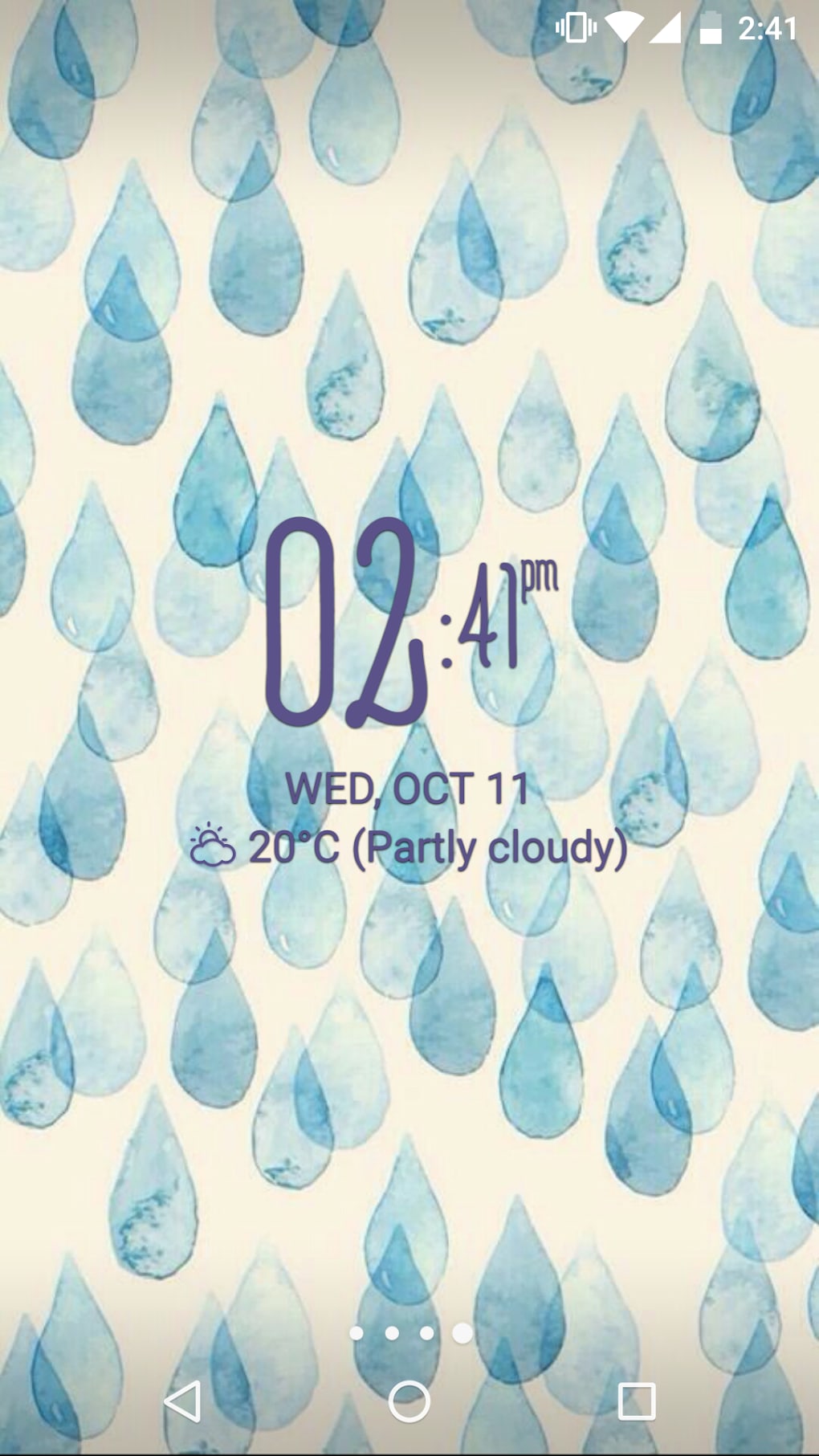
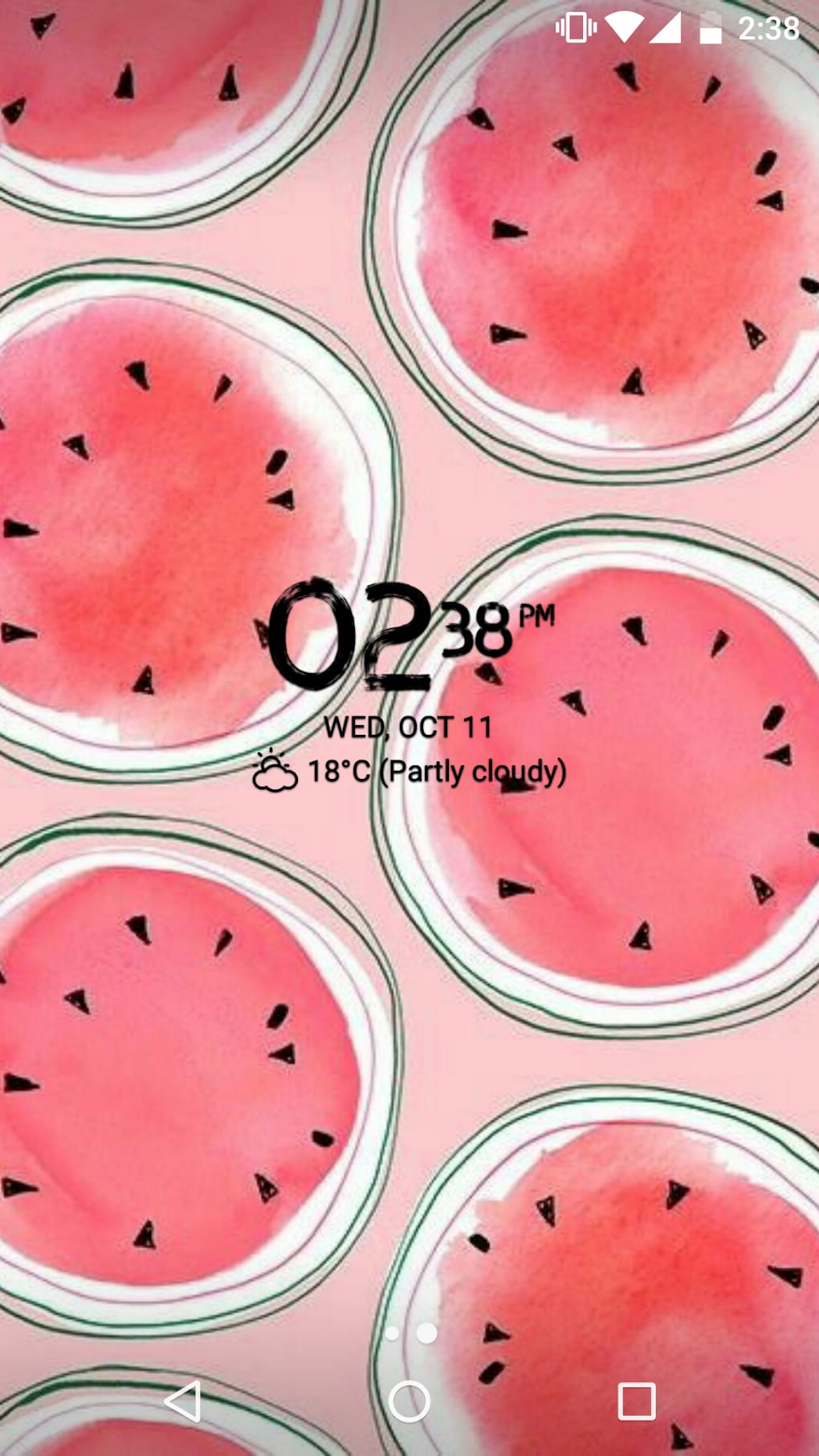
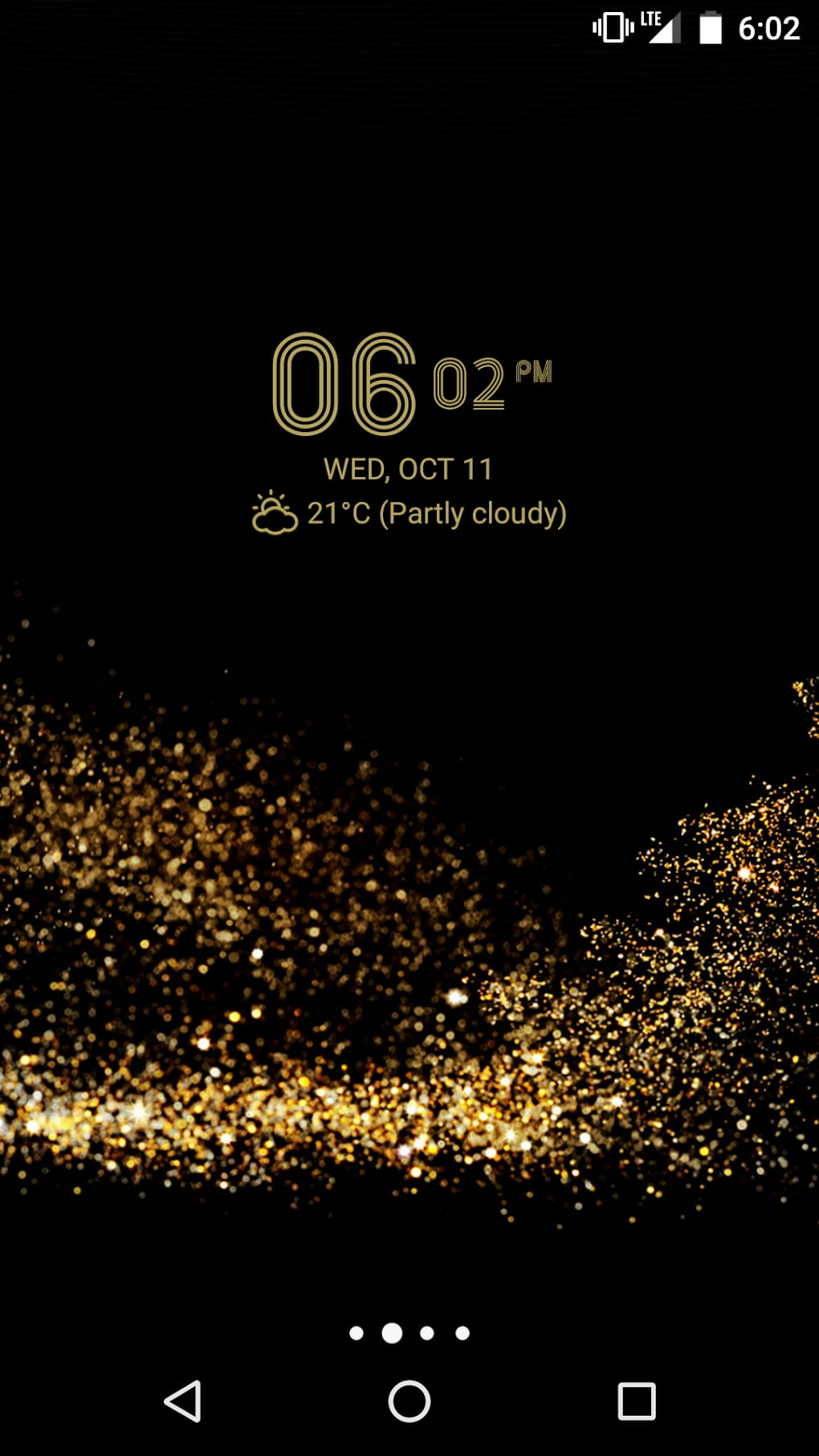
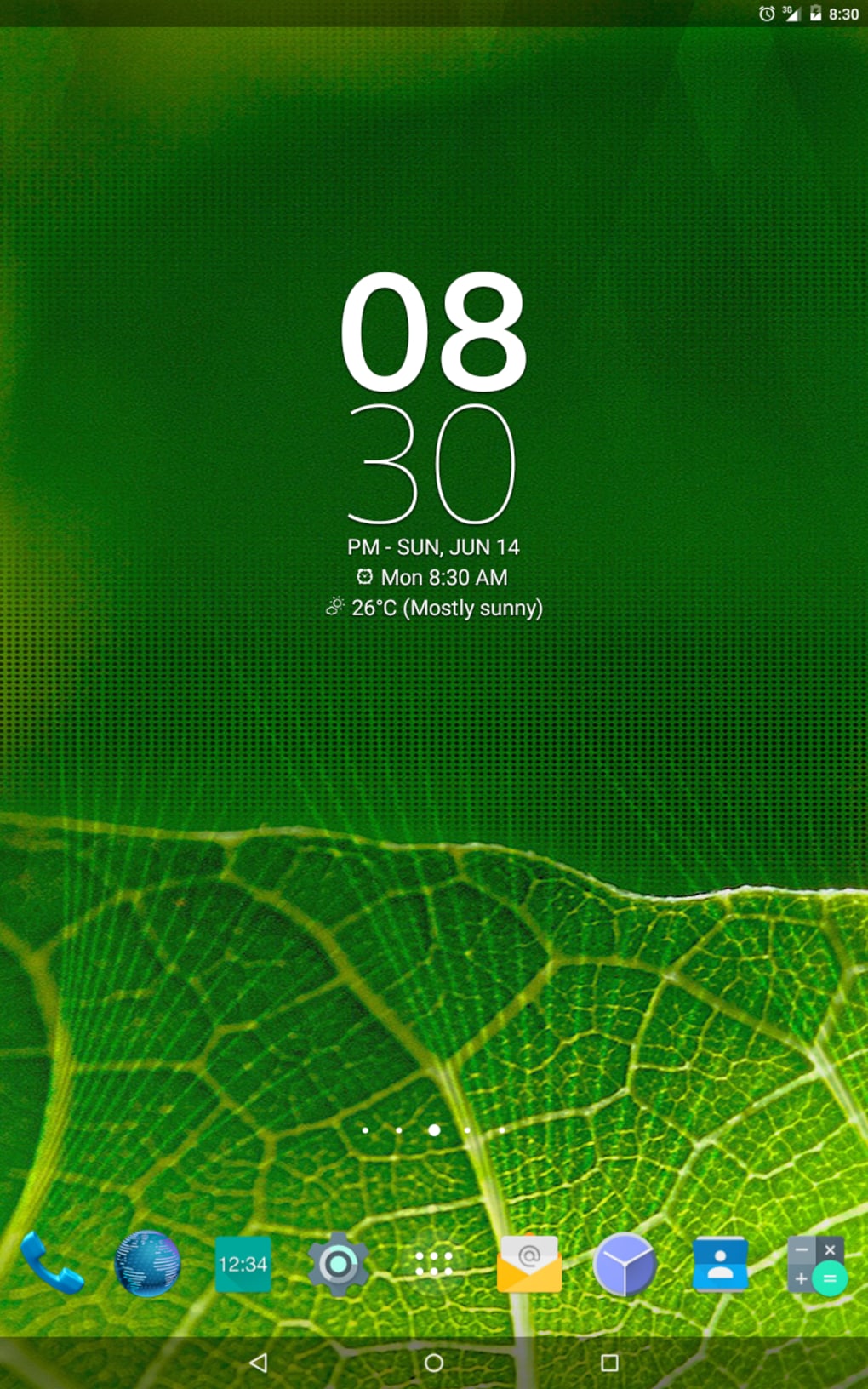
The Digital Clock Widget Xperia APK is a free personalization tool designed for Android users seeking a customizable and functional clock interface. Developed by Lazar Dimitrov, the app enhances the Android home screen with a sleek digital clock that integrates weather information and other useful data. It serves as a practical solution for users who want to monitor time and weather conditions at a glance without opening additional apps. The primary purpose of the application is to provide a visually appealing and efficient widget that combines timekeeping with real-time environmental data, ideal for daily routines and quick status checks.
Target users include Android enthusiasts, minimalist designers, and individuals who value both aesthetics and functionality. The app is especially suited for those who prefer a clean, modern interface with minimal distractions. It is commonly used on smartphones and tablets to replace default clock widgets with a more dynamic and informative alternative. Real-world usage scenarios include checking the current temperature before stepping out, monitoring weather forecasts during commutes, and customizing the home screen to reflect personal style through font and color choices.
Key Features & Capabilities
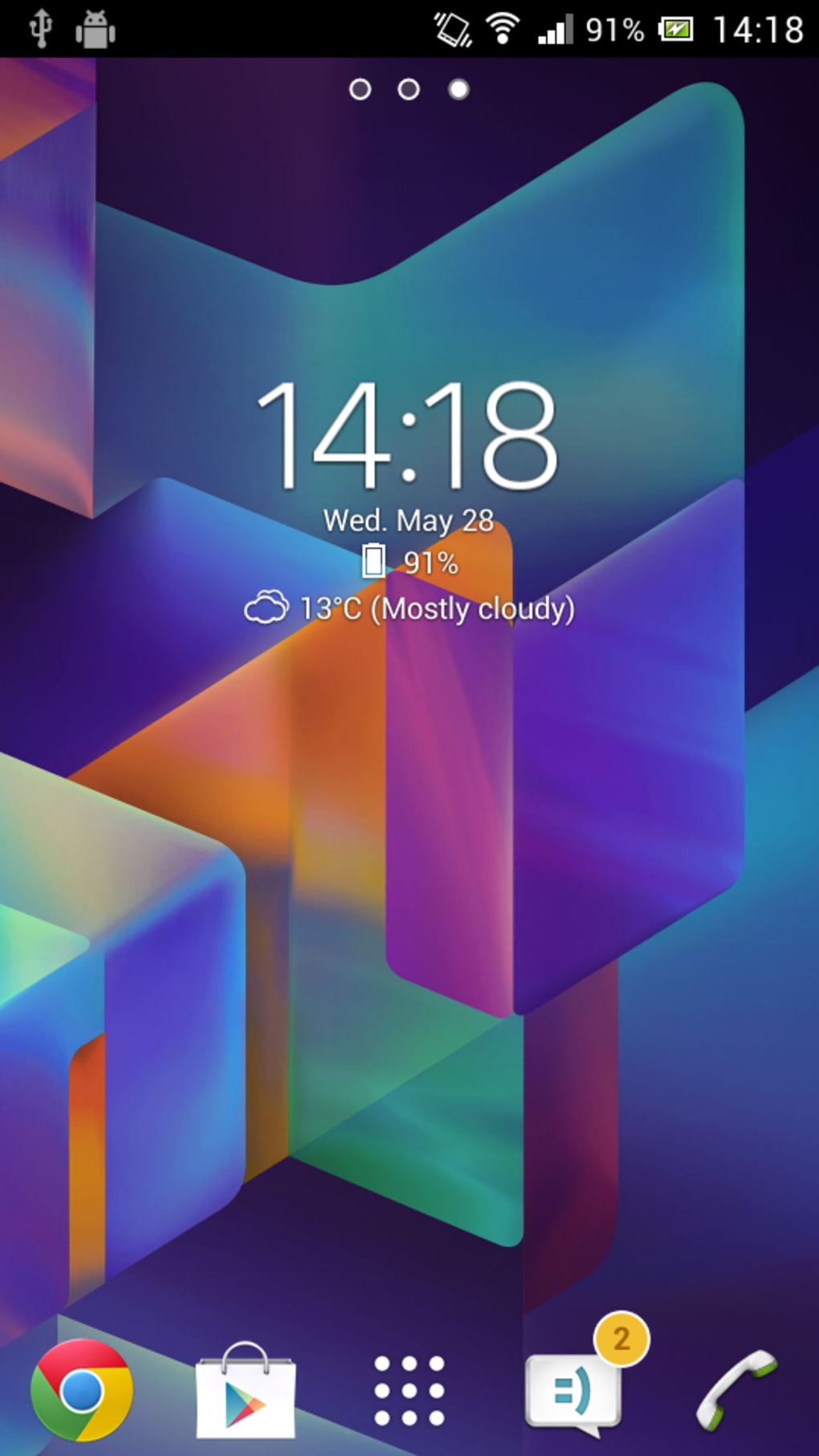
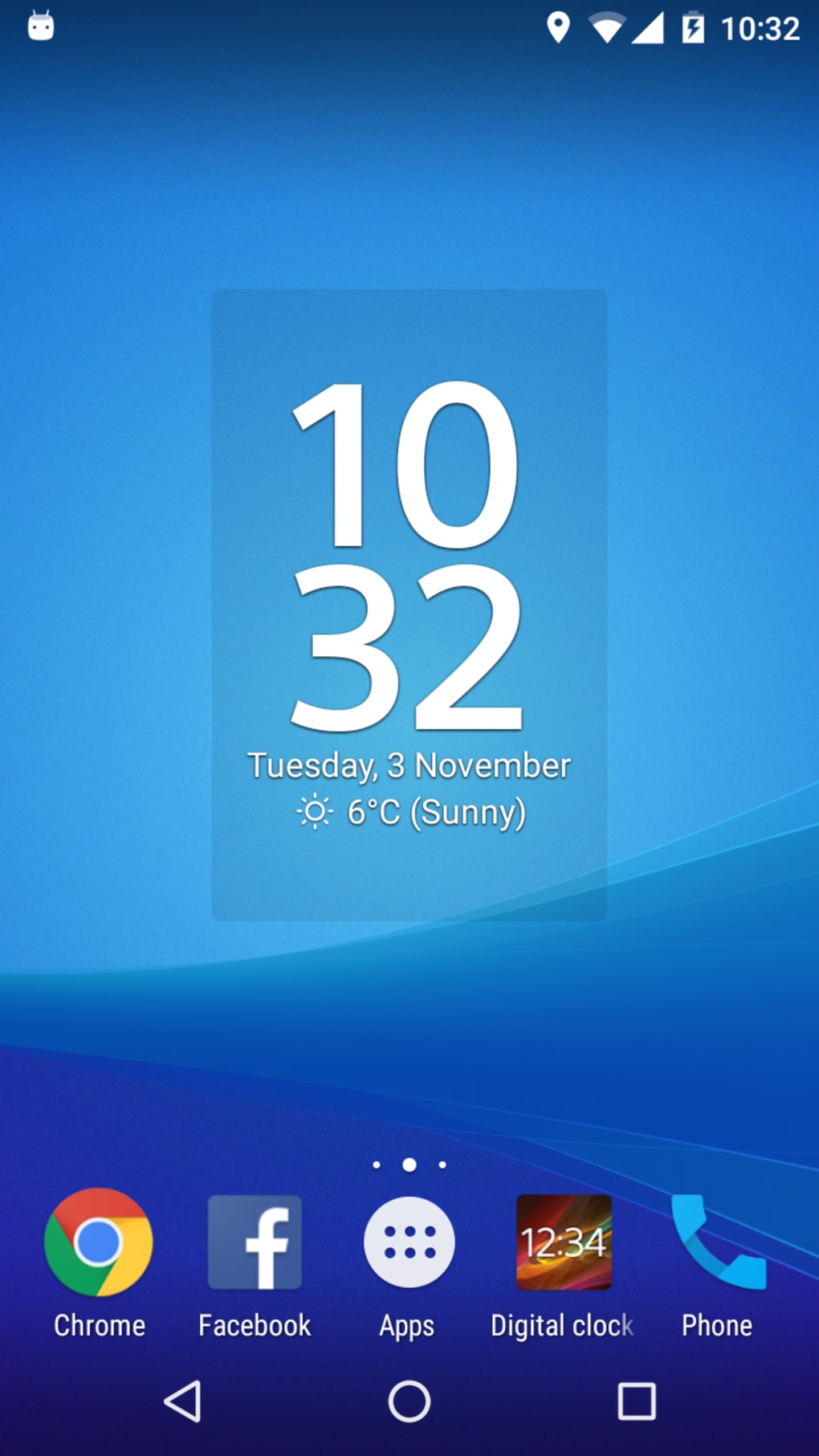
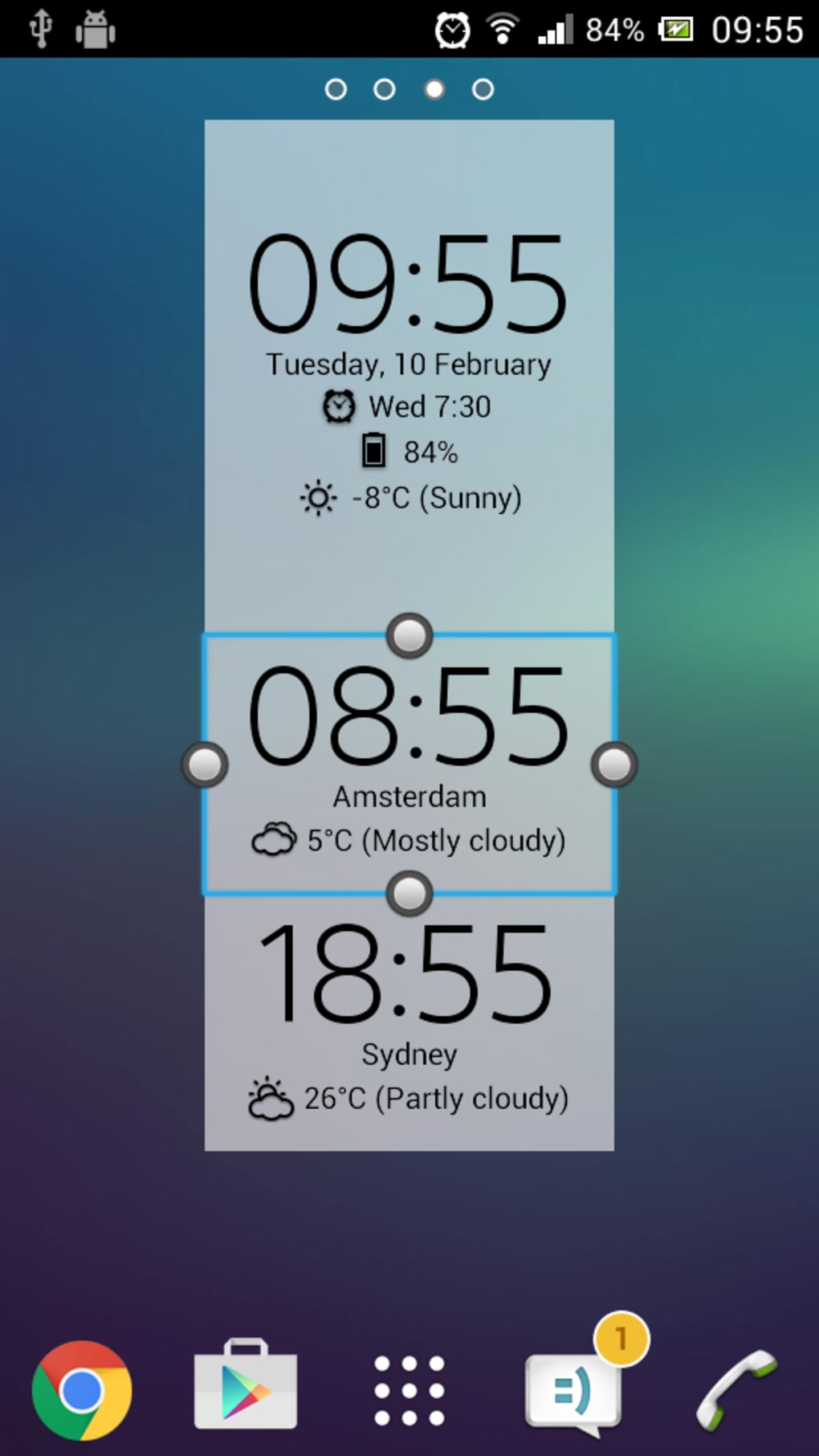
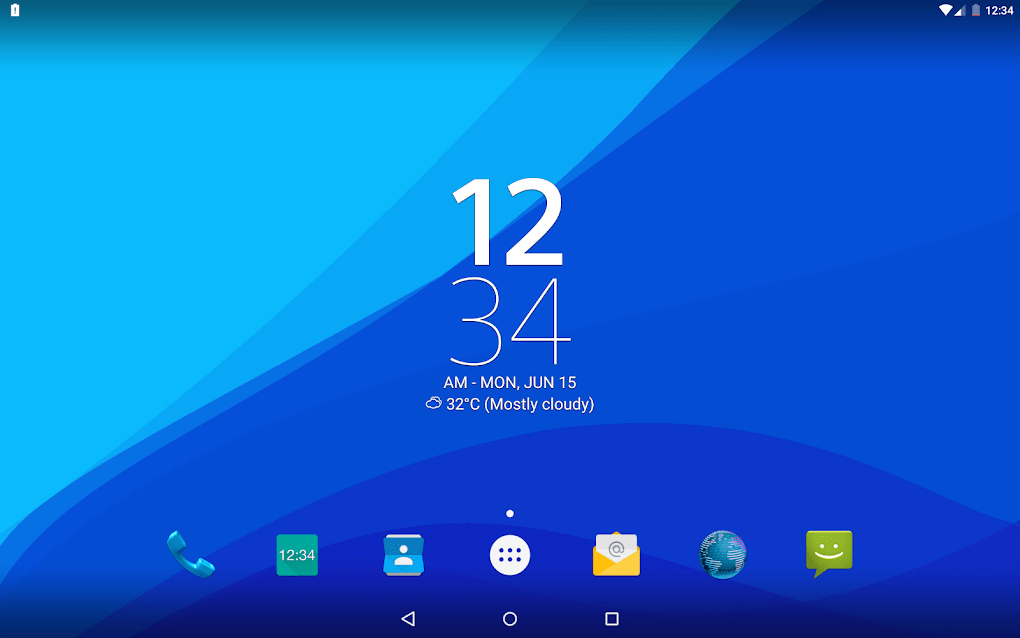
- Digital Clock Display: Presents time in a clear, digital format, allowing users to read the hour, minute, and second with ease.
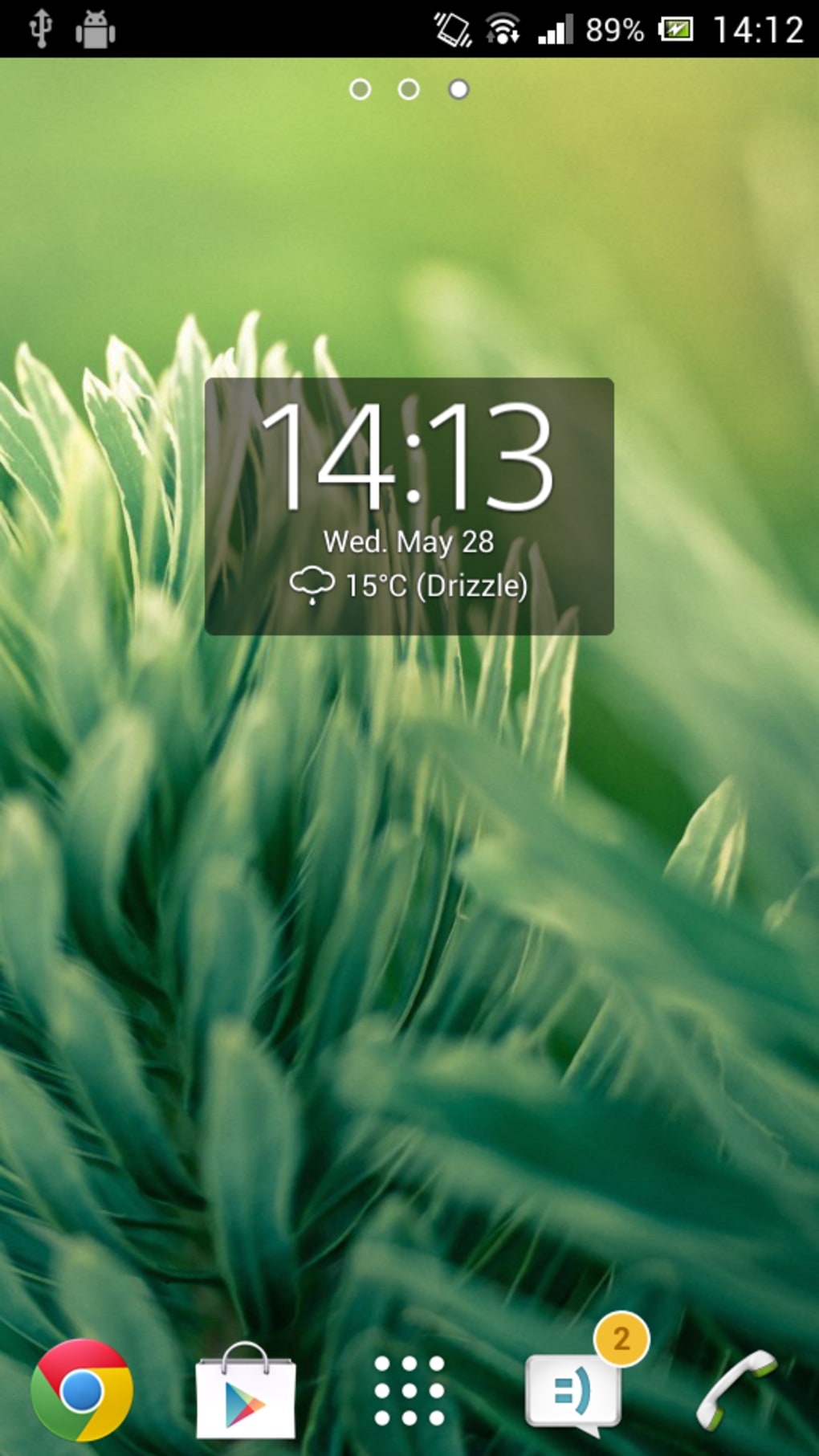
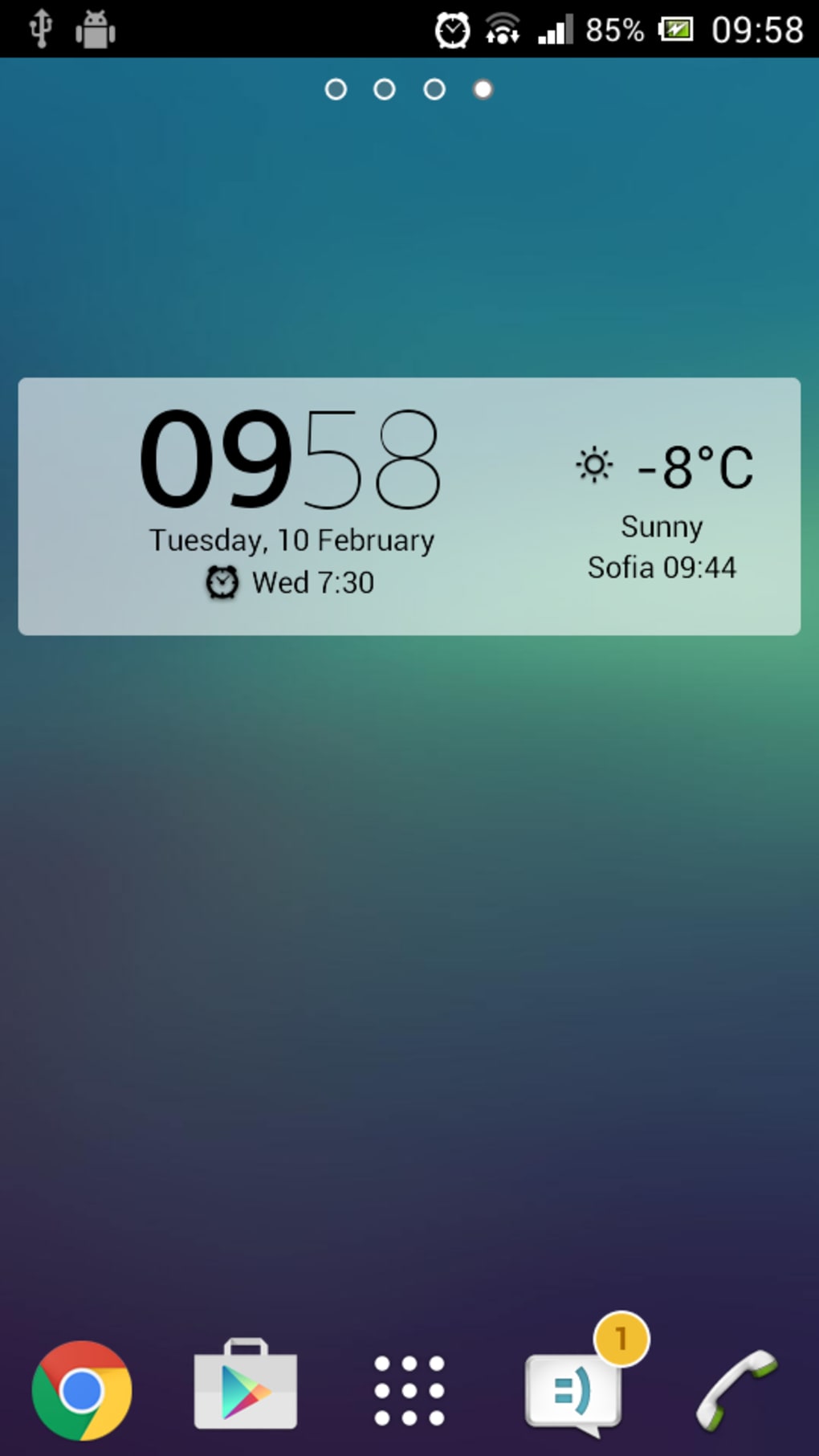
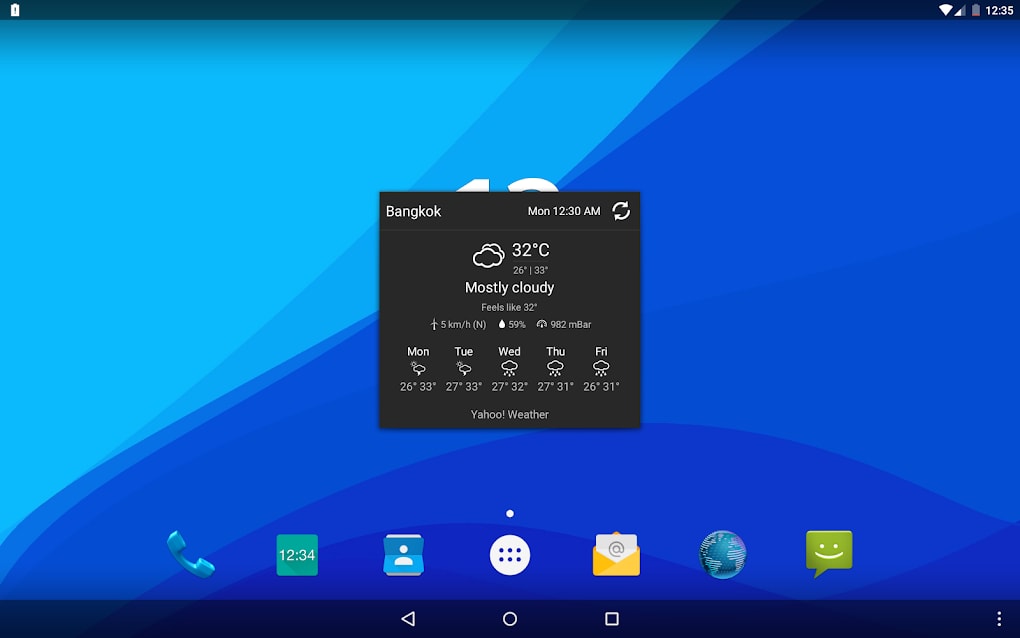
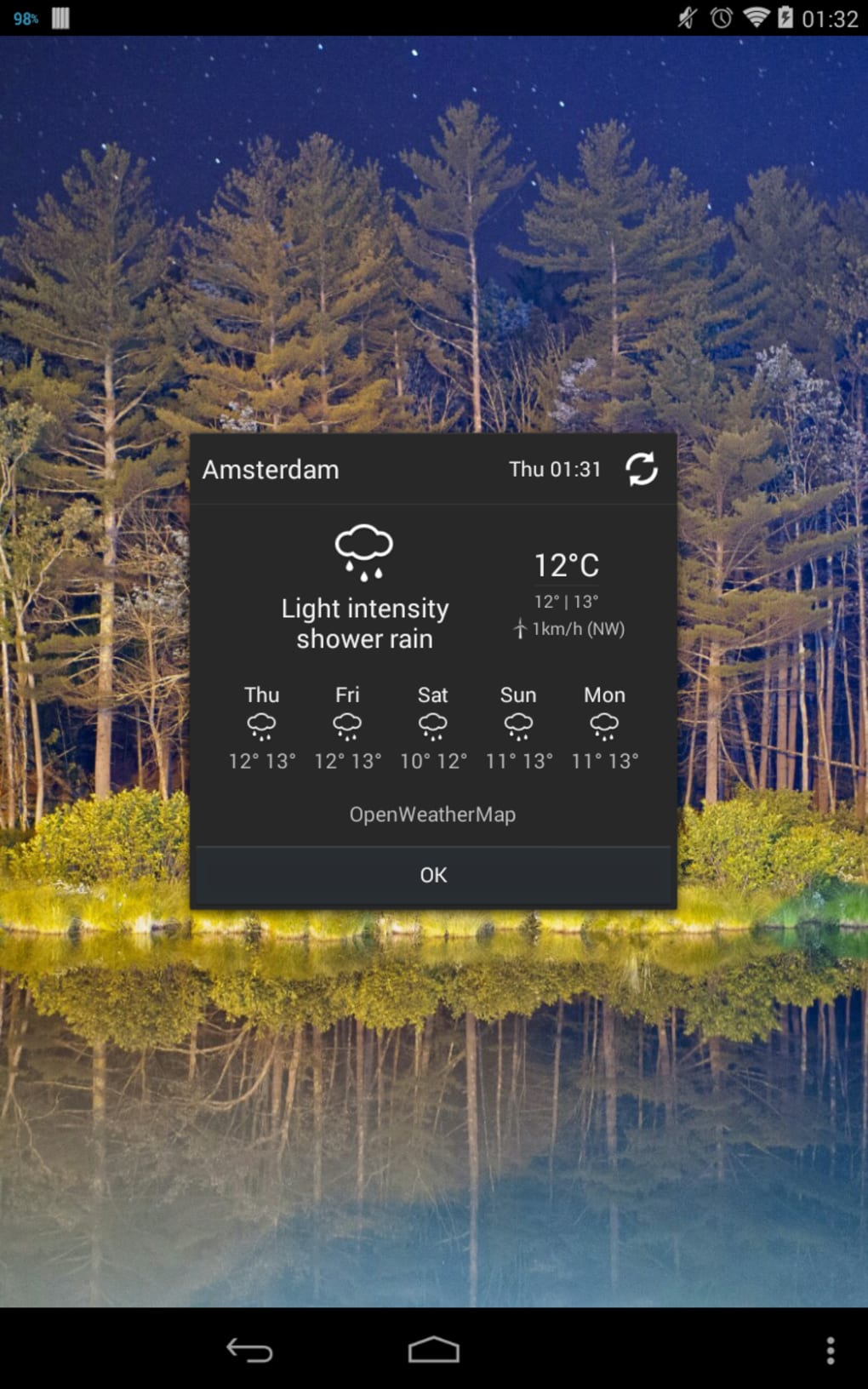
- Integrated Weather Information: Displays current weather conditions and temperature, reducing the need to open a separate weather app.
- Quick Weather Access: Enables rapid checking of weather updates directly from the home screen.
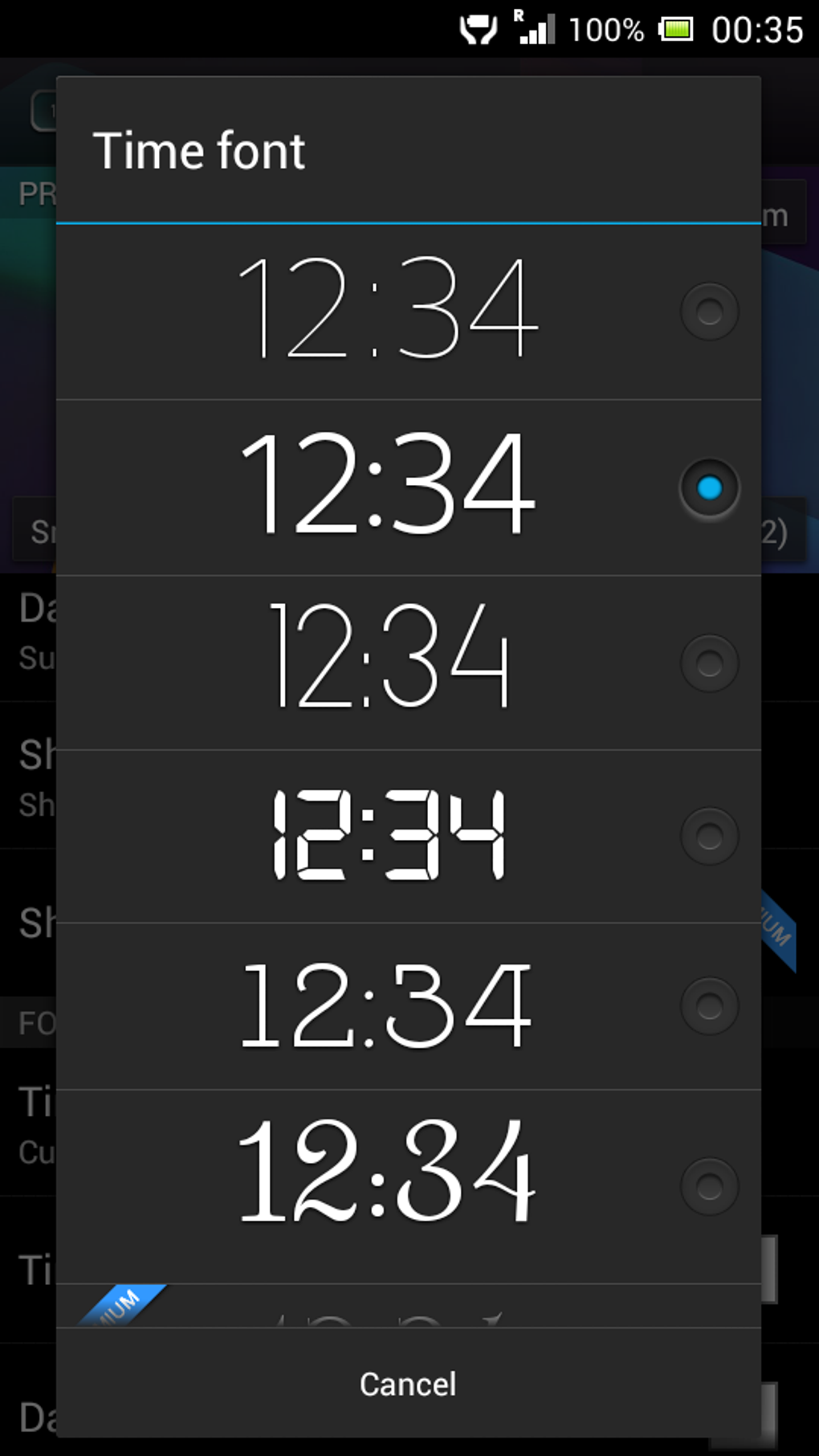
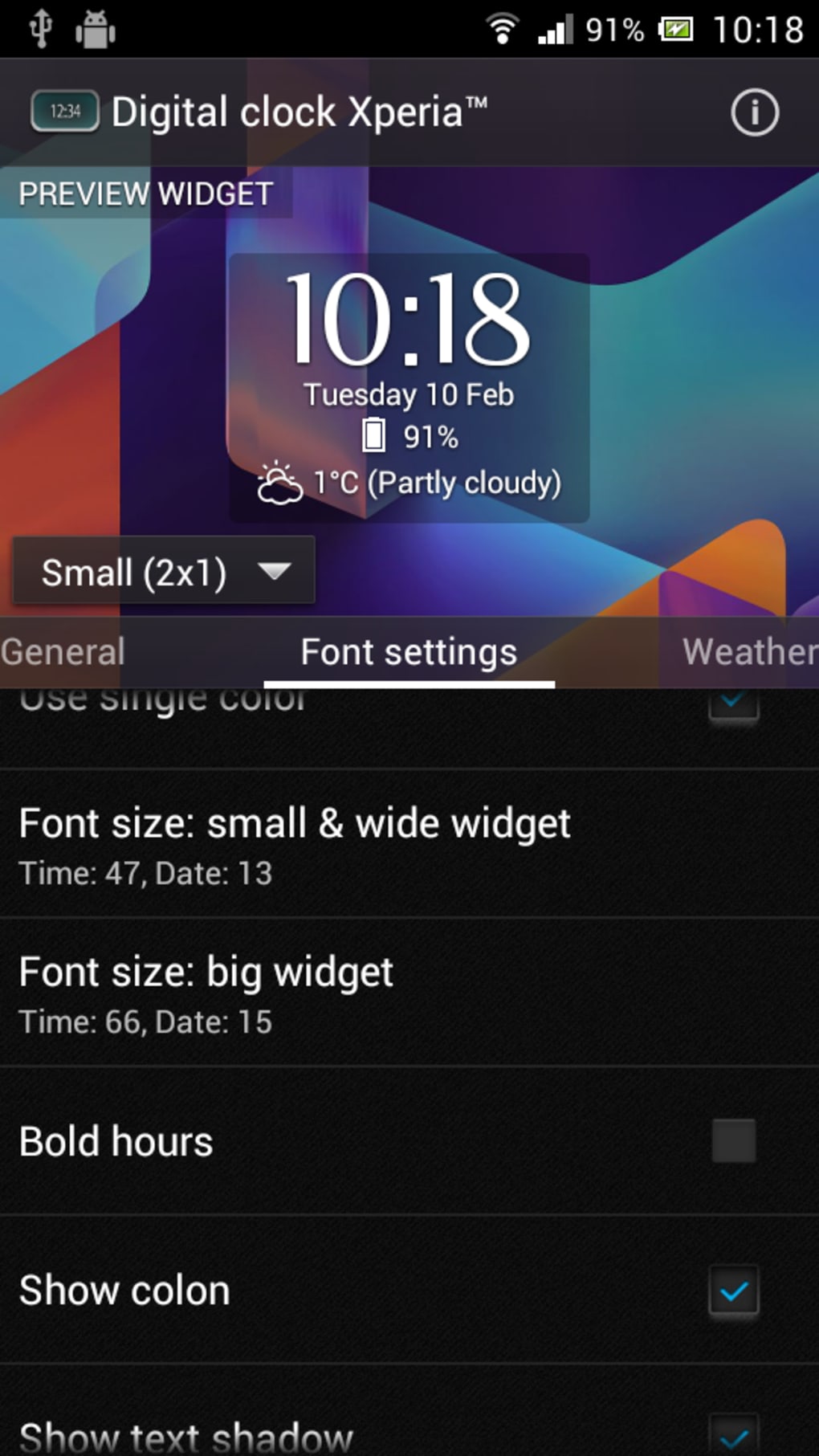
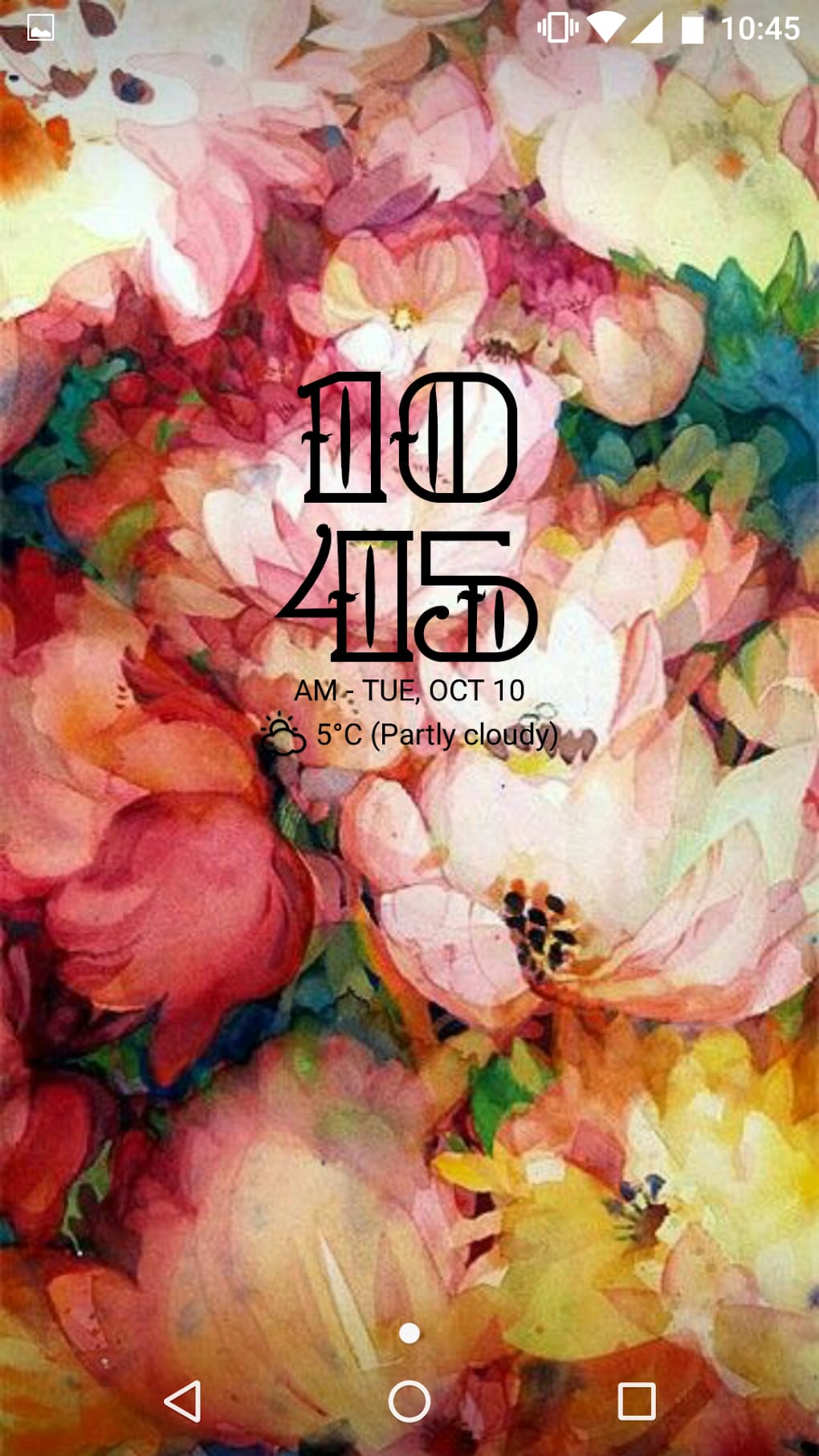
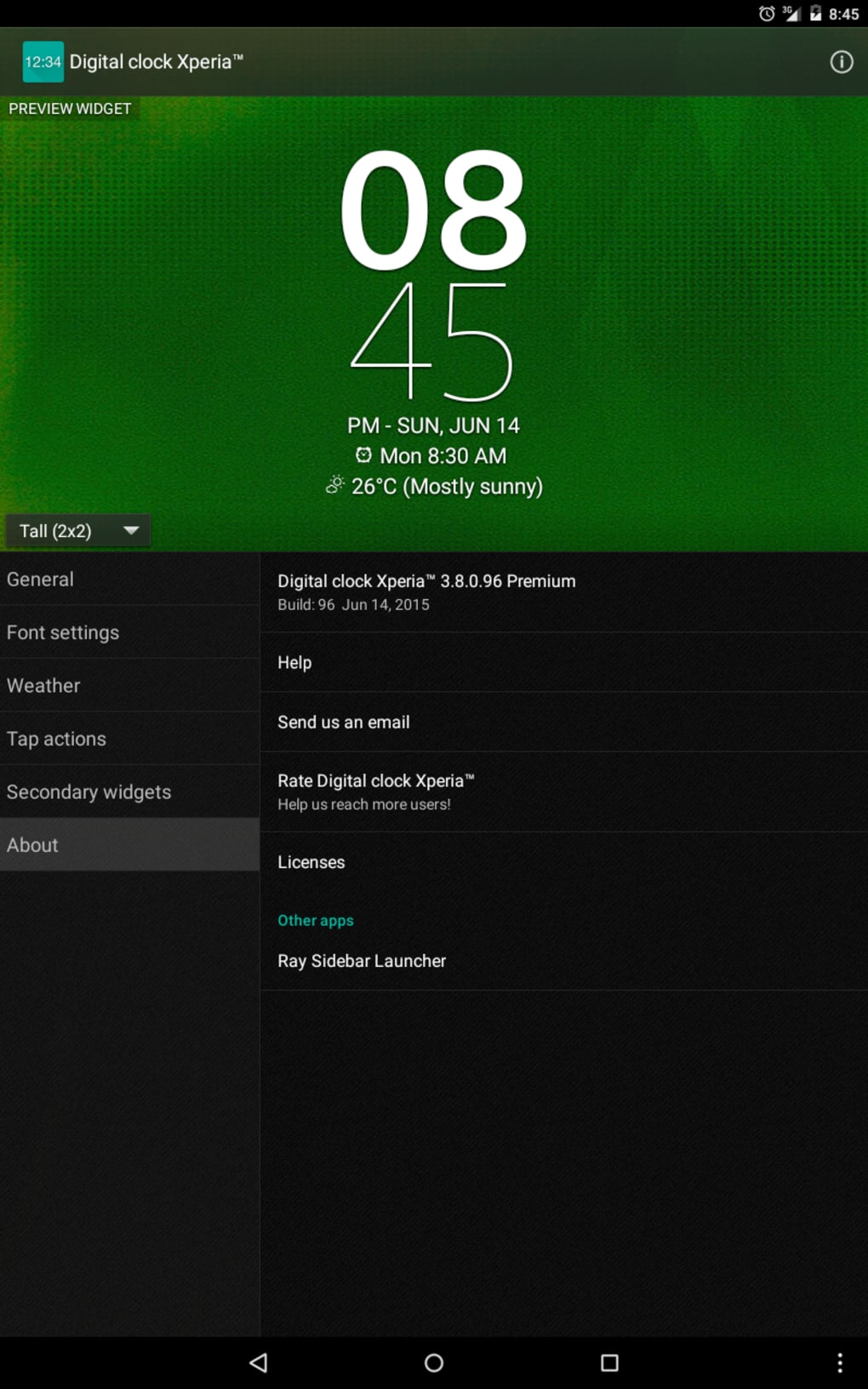
- Customizable Design: Offers options for font selection and color schemes, allowing users to personalize the widget’s appearance.
- Useful Information Display: May show additional data such as battery level (if supported), depending on user settings.
These features streamline daily tasks by consolidating time and weather into a single, accessible interface. For example, a user can glance at their home screen and instantly know the time and whether it’s raining, helping them decide whether to carry an umbrella. The ability to change fonts adds a unique touch, making the widget stand out from standard clock apps. The integration of weather data enhances usability, especially for users who rely on real-time environmental updates.
User Interface, Workflow & Performance
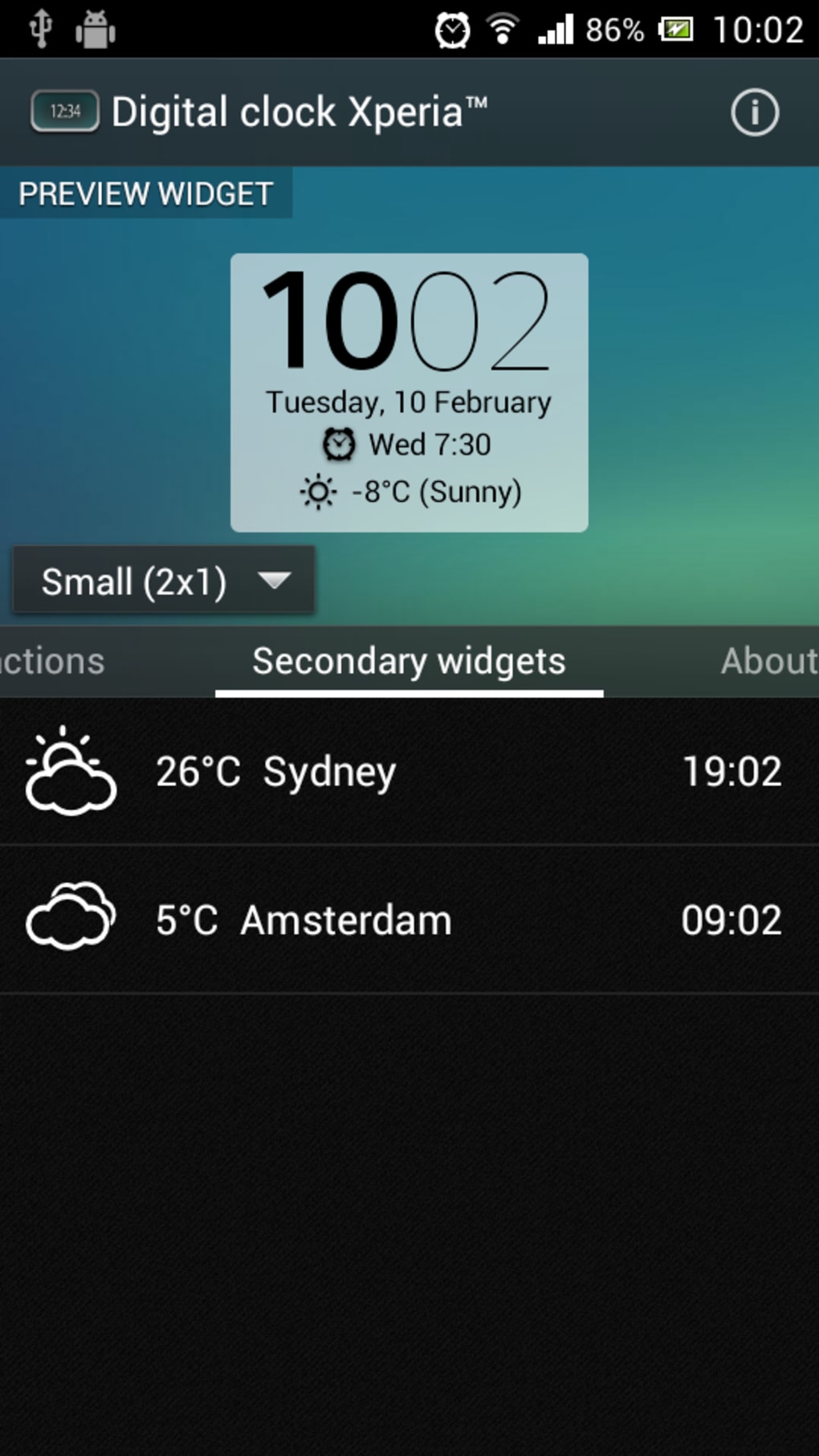
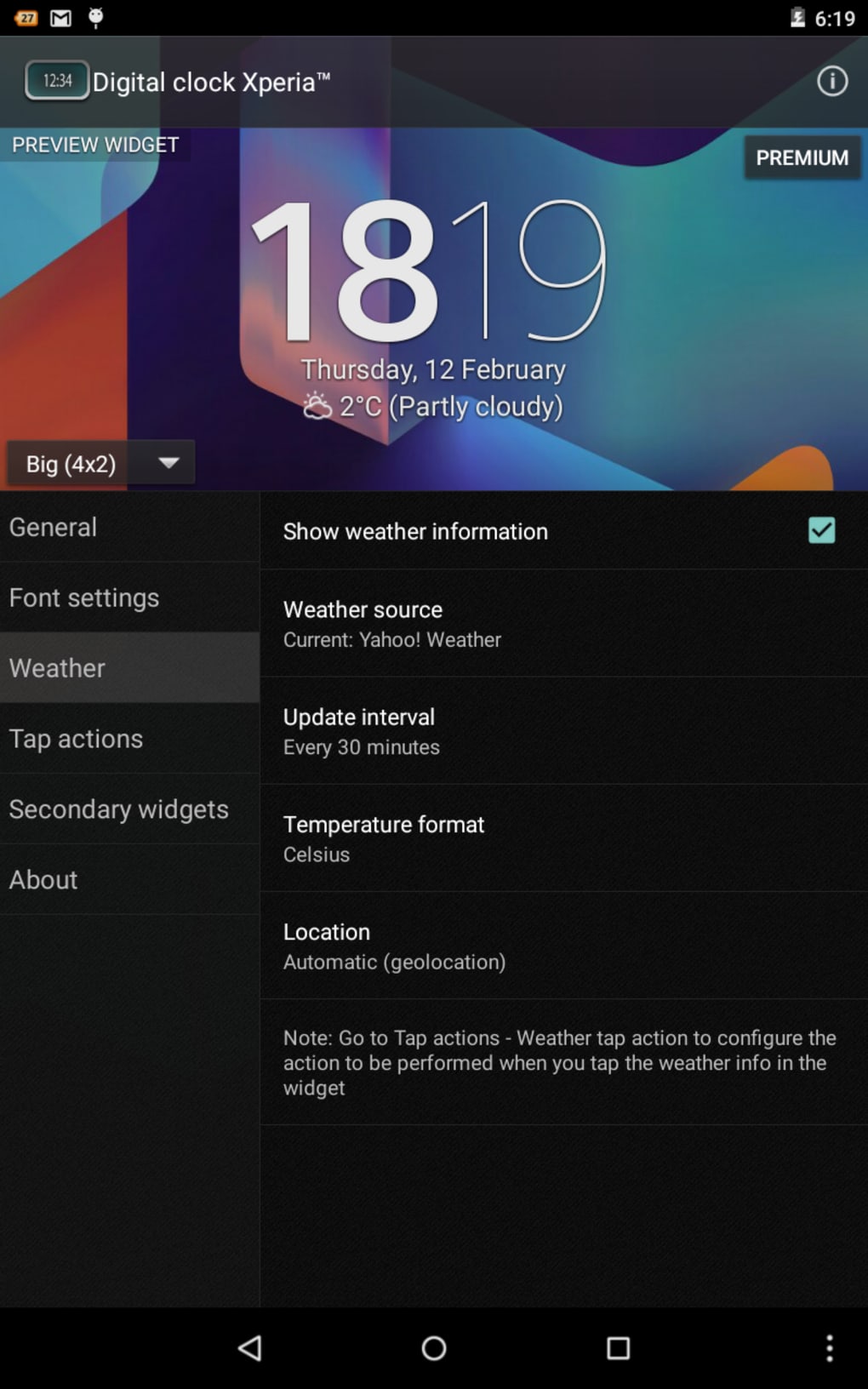
The user interface of Digital Clock Widget Xperia APK is designed with simplicity and clarity in mind. The widget layout is clean, with a focus on legibility and visual harmony. Navigation within the app is straightforward, primarily involving long-pressing the home screen to add the widget and adjusting settings through a dedicated configuration menu. The workflow is efficient, allowing users to apply changes and preview them instantly without restarting the app.
Performance observations are based on general software behavior patterns. The app operates smoothly on Android 5.0 and above, with minimal lag or delays when updating time or weather data. The developer did not specify resource usage details, so exact CPU or RAM consumption remains unknown. Stability appears consistent, with no widespread reports of crashes or freezes. However, actual performance may vary depending on device hardware and background app activity. The app is lightweight, with a file size of 1.3 MB, suggesting efficient memory management and fast loading times.
Compatibility & System Requirements
Digital Clock Widget Xperia APK is compatible with Android 5.0 and later versions. This ensures broad accessibility across a wide range of devices, including older smartphones and newer models. The installation size is 1.3 MB, which is relatively small and suitable for devices with limited storage space. The developer did not provide additional system requirements, such as minimum RAM or processor specifications.
Platform compatibility information is limited to the stated Android version. While the app is available on the Google Play Store, no official details about tablet support or other platforms were included. Users should verify compatibility with their specific device model. The app’s lightweight nature suggests it will function well on most Android devices, but exact behavior may depend on the device’s hardware and software configuration.
Pros and Cons
Pros
- Free to download and use with no in-app purchases.
- Lightweight design with a small file size of 1.3 MB.
- Integrates time and weather data in a single widget.
- Offers customizable fonts and color options for personalization.
- Smooth performance on Android 5.0 and above.
Cons
- Color choices have been noted as potentially limited by some users.
- Ability to display battery level information may be inconsistent or unavailable.
- Some users may prefer more advanced weather details beyond current temperature.
- Limited customization options compared to premium alternatives.
- Dependent on Android’s widget system, which may vary by manufacturer.
FAQ Section
Is Digital Clock Widget Xperia APK compatible with my Android device?
The app is compatible with Android 5.0 and later versions. If your device runs a supported version of Android, it should work without issues.
Is the app safe to download and use?
Yes, the app is available on the Google Play Store and is free from known malware. It is recommended to download only from official sources to ensure security.
Does the app require internet access to function?
Yes, internet access is required to fetch real-time weather data. The clock function works offline, but weather updates depend on an active connection.
Can I update the app automatically?
Yes, automatic updates are available through the Google Play Store. Ensure that auto-update is enabled in your app settings.
Is there a license or subscription required to use the app?
No, the app is completely free to download and use. There are no subscription fees or in-app purchases required.
Final Thoughts
Digital Clock Widget Xperia APK delivers a focused, efficient solution for Android users seeking a modern, functional clock with integrated weather. Its clean interface, lightweight design, and customizable features make it a strong choice for those who value both style and utility. While some users have noted limitations in color options and battery level visibility, the app remains highly accessible and well-suited for daily use. The combination of timekeeping and weather data in a single widget enhances convenience and reduces app switching. For individuals looking for a reliable, free desktop-style tool on their Android device, this app stands out as a practical and visually appealing option.
Download Digital Clock Widget Xperia APK now and elevate your home screen experience with a smart, informative, and stylish clock.
Guides & Tutorials for Digital Clock Widget Xperia APK
How to install Digital Clock Widget Xperia APK
- Click the Preview / Download button above.
- Once redirected, accept the terms and click Install.
- Wait for the Digital Clock Widget Xperia APK download to finish on your device.
How to use Digital Clock Widget Xperia APK
This software is primarily used for its core features described above. Open the app after installation to explore its capabilities.
User Reviews for Digital Clock Widget Xperia APK 0
No reviews found





